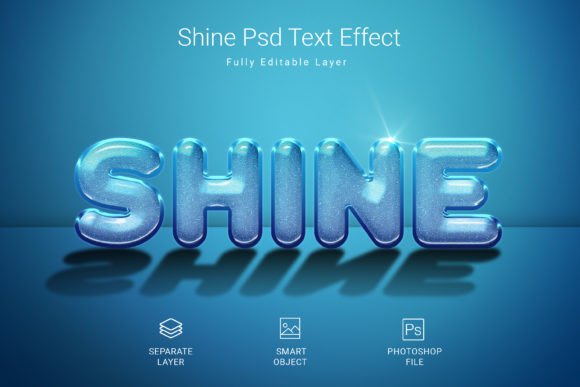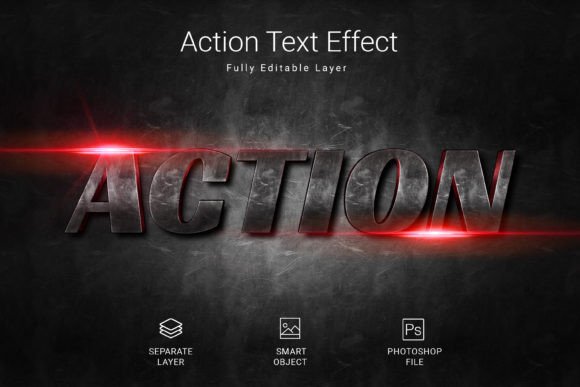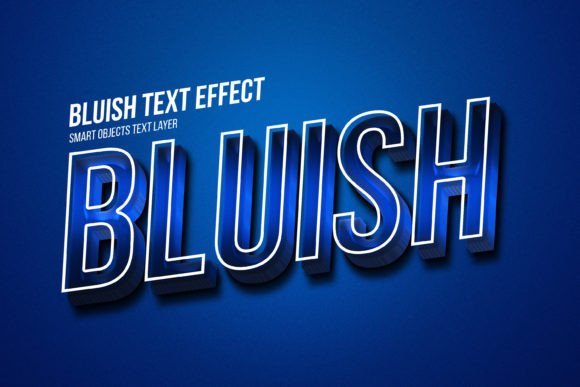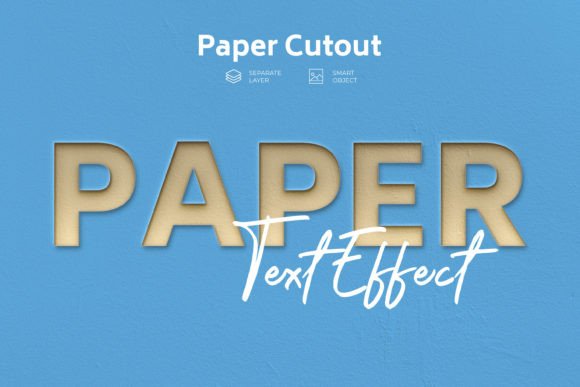
Golden and Silver PSD Text Style Effect for Stunning Typography
Typography can make or break a design. When you need text that looks polished, premium, and instantly eye-catching, the Golden and Silver PSD Text Style Effect offers a straightforward solution. This layered template lets you apply high-end metallic finishes to words, shapes, or vector logos with minimal effort. Whether you are a seasoned designer or someone just starting out, understanding how this tool works and what it brings to your projects can help you decide if it fits your workflow.
What this PSD text effect actually does
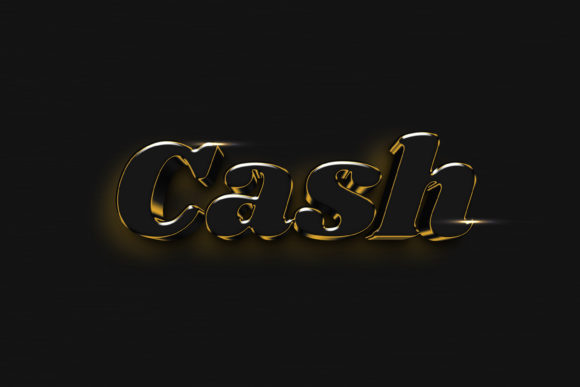
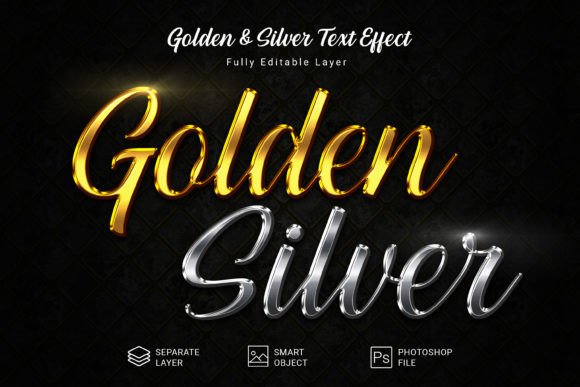
At its core, this effect is a prebuilt Photoshop file that simulates realistic gold and silver surfaces on text and vector elements. Instead of spending hours adjusting gradients, bevels, and lighting settings manually, you drop your content into a smart object, save it, and the effect applies automatically. The result is a clean, layered composition at 3000×2000 pixels, designed in RGB mode at 300 DPI, so you get print-ready quality straight out of the file. Because the PSD remains fully editable, you can tweak the colors, opacity, or layer styles after applying your text if you want a slightly different sheen or reflection.
This approach suits anyone who needs consistent metallic text across multiple projects without reinventing the style each time. The file includes a free font recommendation, so you do not have to search for a typeface that works well with metallic shading. The heavy lifting is already done inside the layer structure, allowing you to focus on content rather than technical setup.
Why different users care about this effect
The value of a gold and silver text effect shifts depending on who you are and what you are building. For some, speed matters most; for others, it is about achieving a consistent brand look without hiring a specialist.
Beginners and hobbyists
If you are new to design, mimicking realistic metal finishes can feel intimidating. Layer styles, blending modes, and lighting angles often require trial and error. This PSD removes that guesswork. You open the file, locate the smart object layer, paste your text or shape, and the effect is applied. The 300 DPI resolution means you can use the result for printed materials like flyers or posters without worrying about pixelation. Beginners also benefit from studying how the effect is built. You can inspect the layer settings to learn how gradients, shadows, and highlights combine to create a metallic look, turning a practical resource into a teaching tool.
Freelancers and creative professionals
Time is money when you work with multiple clients. A reusable PSD effect lets you deliver polished typography in minutes. If a client requests a gold logo variation for a premium product launch, you can generate it quickly without building the effect from scratch. The same file works for silver versions as well, giving you two distinct looks from one download. Because the file supports shapes and vector logos in addition to text, you are not limited to wordmarks. You can apply the same metallic finish to icons, decorative lines, or badges, keeping your design language consistent across assets.
Small business owners and entrepreneurs
You might not have a dedicated designer on staff, but you still need professional-looking materials. Social media headers, product labels, presentation titles, and website banners all benefit from clean, high-end typography. Using this PSD effect allows you to produce visuals that look like they were created by a professional studio. You do not need to learn complex Photoshop techniques. The file is structured so that anyone comfortable with basic layer handling can achieve a solid result. This can be especially helpful for limited-time promotions or seasonal branding where you want a luxurious feel without a long production cycle.
Marketers and bloggers
Standing out in a crowded feed requires visual hierarchy. Metallic text naturally draws the eye because it simulates reflective surfaces. Bloggers can use gold or silver headlines for product reviews, comparison tables, or giveaway announcements. Marketers creating ad creatives or landing pages can use the effect to emphasize offers, discounts, or call-to-action badges. Because the PSD is high resolution, you can scale the output for different platforms without losing crispness. The RGB color mode also ensures your digital graphics look vibrant on screens.
Educators and trainers
Teaching design principles becomes easier when you have a clear example to show. This effect can serve as a case study for layer styles, smart objects, and non-destructive editing. Students can swap out text, experiment with the free font, and see how changes to the original smart object affect the final appearance. It also demonstrates how to achieve commercial-quality results efficiently, a lesson that applies to many real-world design tasks. For educators running short workshops or online courses, having a ready-to-use asset saves preparation time and gives students a tangible outcome in a single session.
Practical examples across project types
Consider a freelancer designing a wine label. The client wants the brand name to appear as if it is embossed in gold foil. Instead of creating complex shading by hand, the freelancer types the name into the smart object, saves it, and the metallic effect is applied instantly. Small adjustments to the layer style can tone down the reflection if the label background is busy. The same file can later be used for a silver variant of the same label for a different product line.
Now imagine a blogger preparing a featured image for a post about luxury travel. A gold headline reading “Top Destinations for 2025” immediately signals premium content. The blogger can produce the image in minutes, export it at the needed dimensions, and schedule the post without waiting for external help. The consistency of having the same effect across multiple posts also helps build visual brand recognition over time.
For a small business owner launching an online store, product badges such as “Best Seller” or “Limited Edition” can be created using the metallic look. Silver can indicate standard items, while gold highlights exclusive releases. This kind of visual differentiation helps customers navigate product pages quickly and reinforces the perceived value of certain items.
Evaluating quality, flexibility, and long-term usefulness
Not every project needs a metallic effect, but when the situation calls for it, having a reliable template saves time and reduces inconsistency. The 300 DPI resolution means you can output for print confidently. The 3000×2000 canvas gives you room to work with large headlines or multiple lines of text without needing to upscale. RGB color mode keeps digital colors accurate, while the layered structure allows you to substitute your own backgrounds or additional design elements.
One aspect to consider is that the effect is predefined. If you want a brushed metal finish instead of a polished shine, you would need to adjust the layer styles. The file gives you a starting point, not unlimited variation. However, because it is fully editable, you can experiment with different gradient angles, shadow distances, or highlight intensities to create custom looks. This flexibility makes it useful beyond the specific gold and silver options described in the name.
From a long-term perspective, a PSD like this holds its value if you work with metallic aesthetics regularly. Brand materials, event graphics, packaging mockups, and social media templates can all benefit from a standardized effect. You can also archive the file and reuse it months later without having to remember a complex setup process.
Matching the effect to your goals and skill level
If you are comfortable with basic Photoshop operations such as opening a file, double-clicking a layer thumbnail to edit a smart object, and saving your changes, this effect will work for you right away. No advanced knowledge of layer styles is required. Beginners should feel confident experimenting because the original effect remains untouched inside the smart object; you can always reset the file by duplicating it before editing.
Experienced users might appreciate the efficiency more than the learning aspect. Instead of spending fifteen minutes building metallic text for each client request, you can deliver in under two. That efficiency adds up, especially when you handle multiple projects daily. Professionals may also use the file as a base for creating their own variations, saving the customized versions as separate templates for different clients.
For those who primarily work in print, the 300 DPI resolution ensures that your text stays sharp at standard print sizes. Digital-first creators benefit from the RGB color mode, which matches screen display better than CMYK. If you switch between print and digital work often, this single file accommodates both environments without conversion hassle.
Final considerations before using the effect
Before you integrate this PSD into your workflow, think about the font you will pair with it. The effect includes a free font recommendation, but you are free to use any typeface. Thicker fonts tend to show metallic reflections more clearly, while thin scripts may lose detail. Run a quick test with your chosen font to see if the highlights and shadows align well with the letter shapes. You can always adjust the layer style settings to compensate if the effect does not sit perfectly on slender characters.
Also, consider the background where the text will appear. Gold and silver effects stand out best against darker or neutral backgrounds. If your design uses a busy or brightly colored background, you might need to add a subtle shadow or outline to keep the metallic text readable. The PSD file is set up to allow such additions easily.
Whether you are creating a logo variation for a client, a headline for a blog post, or a product badge for an online store, this tool provides a fast path to a high-quality finish. The key is knowing what you need from a metallic effect and checking that the predefined style aligns with your project vision. With a little experimentation, you can adapt it to a wide range of uses without losing the polished result that makes it valuable.